Instructions How to Apply online for RTE 2017-18 Admission form
Webmaster
•
2017-03-02
•
3823 views
Instructions How to Apply for RTE 2017-18 Application form online:
Application forms for 2017-18 Ka
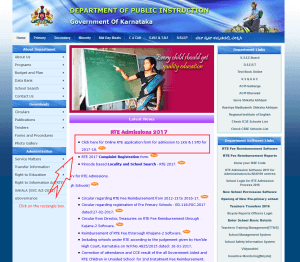
ataka RTE Admission are live starting 2nd March 2017, Parents can apply for their wards admission by submitting the application online, Here I will demonstrate on How to Apply online for RTE 2017-18 Admission form with clear instructions/Screenshots.
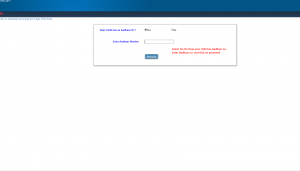
 Step 2: Aadhaar is must to apply for RTE, Select Yes and Enter your child Aadhaar no. and click precede.
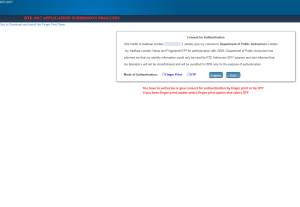
 Step 3: Please Select the mode of authentication, 1. Via Finger print reader if you no access to finger print reader then Select 2. OTP:
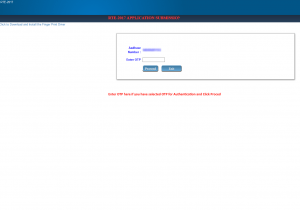
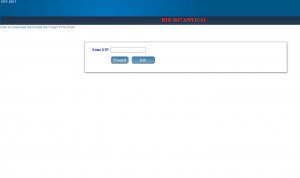
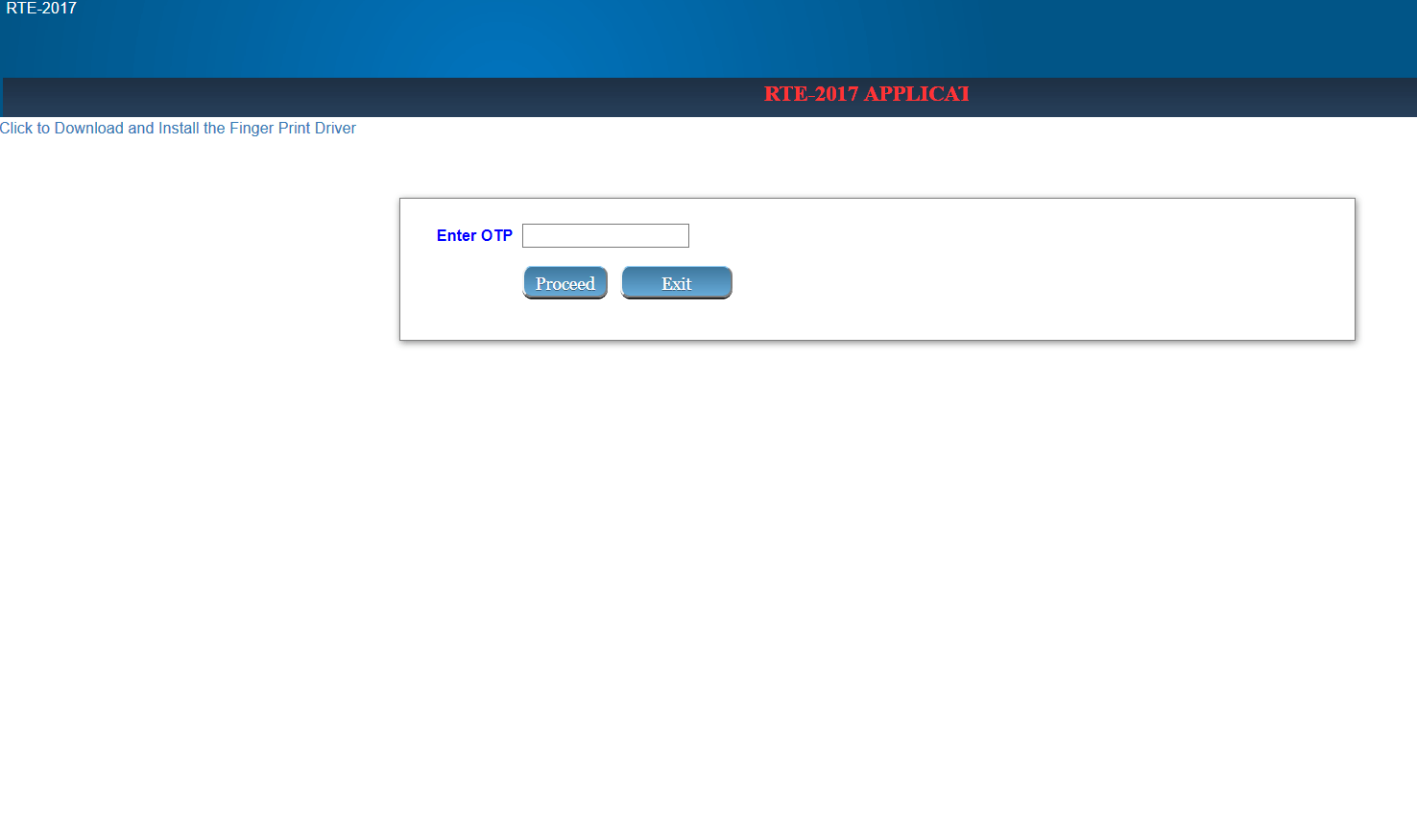
 Step 4: Enter the Received OTP (One time password on your mobile) if you had selected OTP for giving consent for authentication.
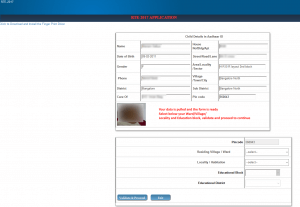
 Step 5: Pre filed form with Aadhaar data is shown, here select the Ward, And Make sure you select proper address, other wise you will end up repeating the steps again due to address mismatch.
 Step 6: Enter the Aadhaar no. of the parent for authentication. and Then Enter OTP to Continue....
 Submit all the details and application will be submitted.
When you finished submitting the application, a Application No. is displayed copy that and save it.
Submit all the details and application will be submitted.
When you finished submitting the application, a Application No. is displayed copy that and save it.
Steps for applying to Ka ataka RTE 2017-18:
Step 1: Visit the official website of Department of Instructions, Gove ment of Ka ataka: http://www.schooleducation.kar.nic.in/index.html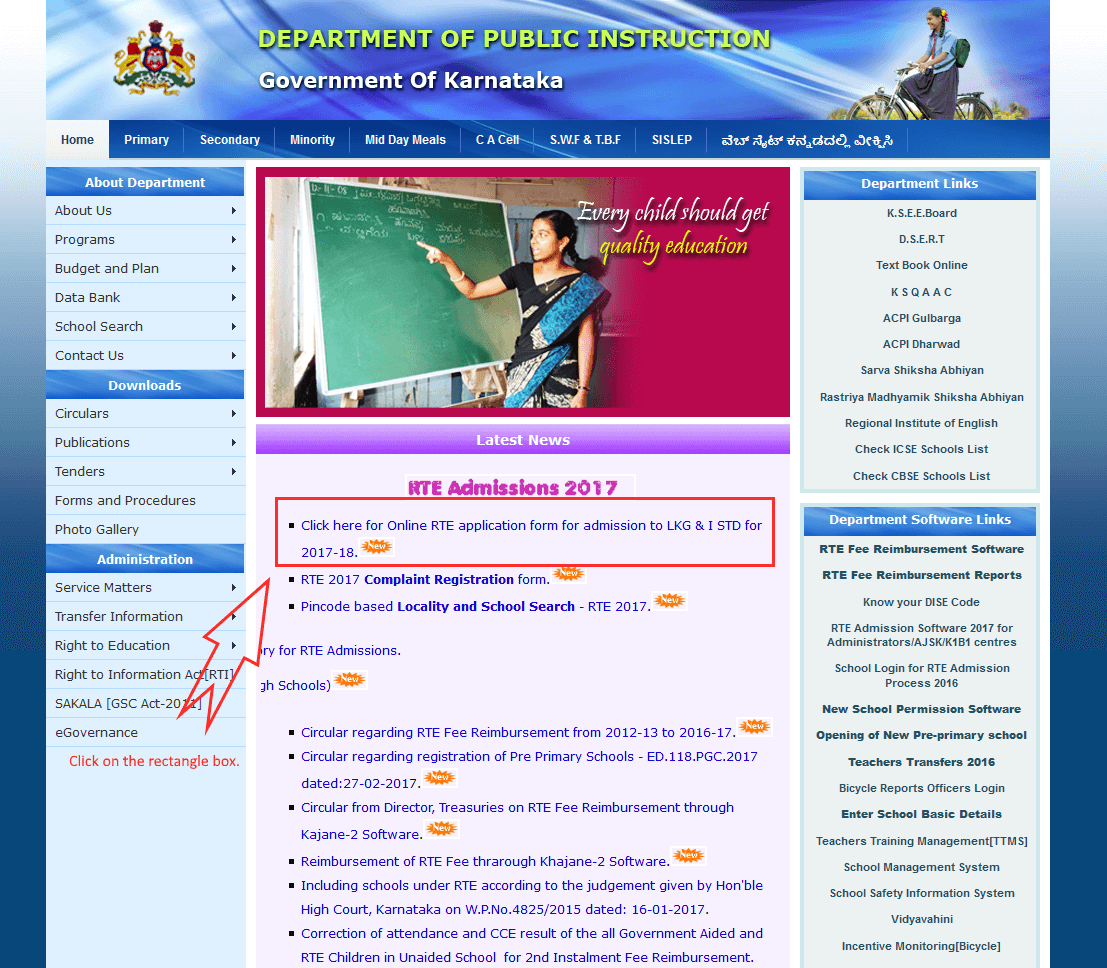 Step 2: Aadhaar is must to apply for RTE, Select Yes and Enter your child Aadhaar no. and click precede.
Step 3: Please Select the mode of authentication, 1. Via Finger print reader if you no access to finger print reader then Select 2. OTP:
Step 4: Enter the Received OTP (One time password on your mobile) if you had selected OTP for giving consent for authentication.
Step 5: Pre filed form with Aadhaar data is shown, here select the Ward, And Make sure you select proper address, other wise you will end up repeating the steps again due to address mismatch.
Step 6: Enter the Aadhaar no. of the parent for authentication. and Then Enter OTP to Continue....
Step 2: Aadhaar is must to apply for RTE, Select Yes and Enter your child Aadhaar no. and click precede.
Step 3: Please Select the mode of authentication, 1. Via Finger print reader if you no access to finger print reader then Select 2. OTP:
Step 4: Enter the Received OTP (One time password on your mobile) if you had selected OTP for giving consent for authentication.
Step 5: Pre filed form with Aadhaar data is shown, here select the Ward, And Make sure you select proper address, other wise you will end up repeating the steps again due to address mismatch.
Step 6: Enter the Aadhaar no. of the parent for authentication. and Then Enter OTP to Continue....
 Submit all the details and application will be submitted.
When you finished submitting the application, a Application No. is displayed copy that and save it.
Submit all the details and application will be submitted.
When you finished submitting the application, a Application No. is displayed copy that and save it.
How to Print Ka ataka RTE 2017 Acknowledgement No.?
To Print Acknowledgement No. please Click Here to Visit the website Enter your application no. and mobile no. to print the acknowledgement. Further instructions on How to Apply online for RTE 2017-18 Admission form, will be posted/updated In case of any complaint that needs to be filed for any error please visit her: http://164.100.133.126/RTE2017Demo//RTE2017/CompGriev_New.aspx and I any doubt want to get it clarified Visit: http://www.schooleducation.kar.nic.in/html/contactus.html
Advertisement